
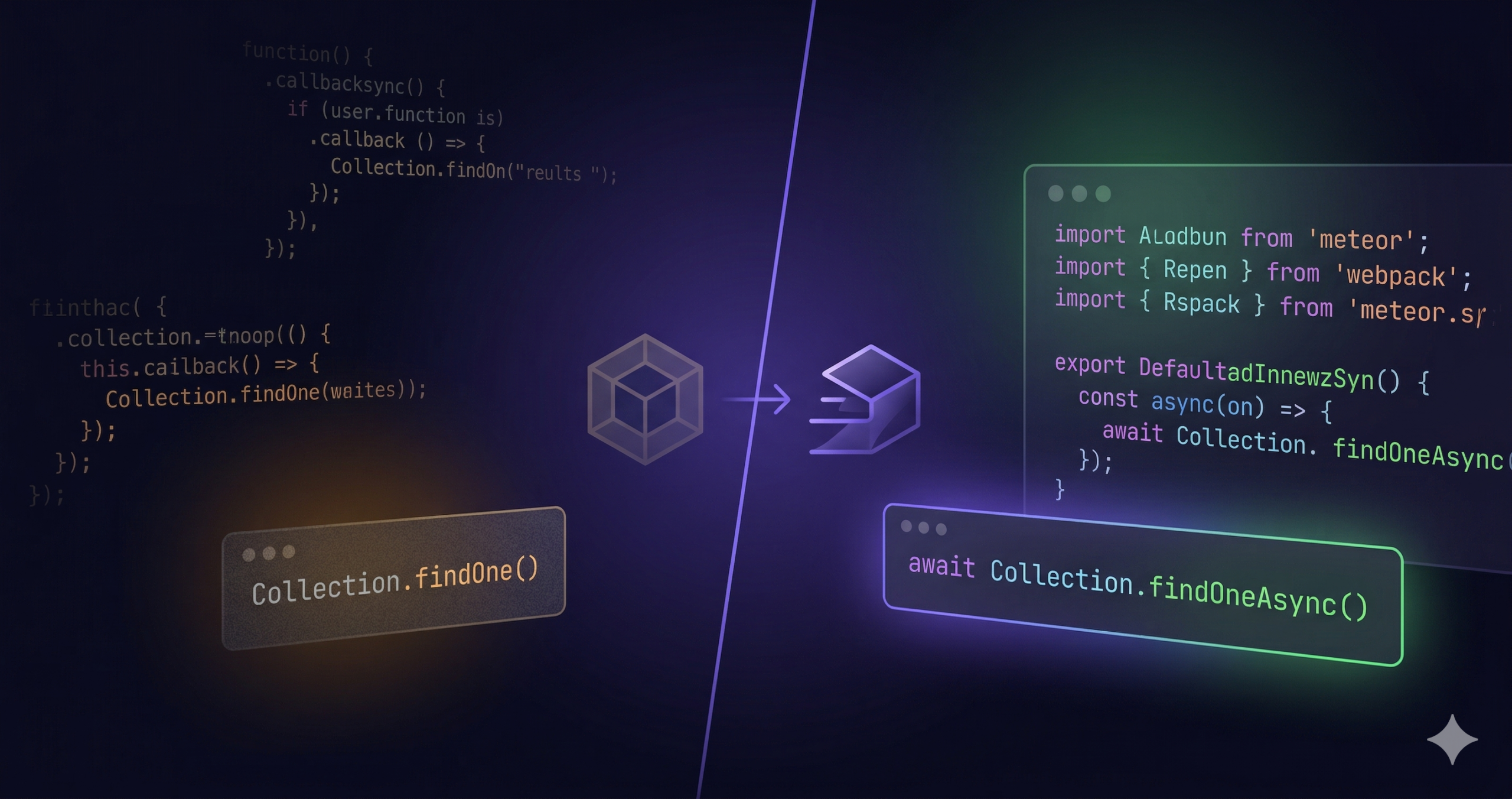
What it actually took to migrate a production Blaze app with 50+ LESS files, Iron Router, and sync MongoDB calls everywhere.
Full-stack app. MongoDB collections with rich schemas, cron jobs, Iron Router, 50+ LESS stylesheets, several local Meteor packages, third-party integrations. The kind of app that tests every corner of a migration guide.
We migrated Atmosphere from Meteor 2.x to Meteor 3.4 with Rspack. Here’s what we learned.
The Starting Point
Before:
- Meteor 2.x with the classic Meteor build system
- Blaze 2 templates with Iron Router
- Synchronous MongoDB operations everywhere (
findOne,update,insert) Promise.await()wrappers for async codeHTTP.get()for external API calls- Implicit globals everywhere (the very old Meteor way)
- 50+
.lessimportfiles compiled by Meteor’s LESS package aldeed:simple-schema@1.xwith old array syntax
After:
- Meteor 3.4 with Rspack bundler
- Blaze 3 (backward-compatible)
- Fully async server-side MongoDB (
findOneAsync,updateAsync, etc.) - Native
async/awaitthroughout - Native
fetch()API - Explicit ES module imports/exports
- 50+
.import.lessfiles compiled by Rspack’sless-loader aldeed:simple-schema@2.0.0
Step 1: Fresh Project, Incremental Migration
Create a fresh Meteor 3.4 project with Rspack and migrate files over incrementally. This lets you validate each piece as it lands, instead of drowning in hundreds of errors at once.
meteor create my-app-v3 --blaze --release 3.4
The entry points (client/main.js, server/main.js) act as the explicit import tree: nothing runs unless it’s imported. This has been the case since Meteor bolted on mainModule in 1.7, but if your Meteor 2.x app still relied on eager loading and implicit globals, this is where you’ll feel it. It gives you full control over migration order.
Step 2: Local Packages First
If you have local packages in packages/, start there. They’re the foundation everything else imports. Each one needs:
api.versionsFrom('3.4')inpackage.jsapi.mainModule()instead ofapi.addFiles()+api.export()- All sync MongoDB calls converted to async variants
Promise.await()replaced withasync/await
A utility package goes from:
// Old: implicit global, sync
myUtility = function(collection, pipeline, options) {
  return Promise.await(
    collection.rawCollection().aggregate(pipeline, options).toArray()
  );
};
To:
// New: exported, async
export async function myUtility(collection, pipeline, options) {
  return collection.rawCollection().aggregate(pipeline, options).toArray();
}
If your local packages depend on old Atmosphere wrappers (like mrt:moment), swap them for npm equivalents via Npm.depends({ moment: '2.30.1' }). Common pattern when old Atmosphere packages have no Meteor 3 compatible version.
Step 3: The Async Conversion
Every server-side MongoDB call needs to become async:
| Before (Meteor 2) | After (Meteor 3) |
|---|---|
Collection.findOne(query) | await Collection.findOneAsync(query) |
Collection.update(query, mod) | await Collection.updateAsync(query, mod) |
Collection.insert(doc) | await Collection.insertAsync(doc) |
Collection.remove(query) | await Collection.removeAsync(query) |
Collection.upsert(query, mod) | await Collection.upsertAsync(query, mod) |
cursor.fetch() | await cursor.fetchAsync() |
cursor.forEach(fn) | await cursor.forEachAsync(fn) |
cursor.count() | await cursor.countAsync() |
Meteor.user() (server) | await Meteor.userAsync() |
The ripple effect is real. Converting one findOne to findOneAsync means the containing function must become async, which means its caller must await it, which means that function must become async, all the way up the call stack.
Meteor methods are the natural boundary. They already support async handlers in Meteor 3:
Meteor.methods({
  'updateProfile': async function(fields) {
    const user = await Meteor.userAsync();
    // ... all async from here
  }
});
Important exception: client-side minimongo still supports synchronous methods. Your Iron Router data() functions can stay synchronous; they only run on the client and read from minimongo:
data: function() {
  return Posts.findOne({ slug: this.slug() }); // still works on client
}
Step 4: The Module System and the Death of Implicit Globals
The most pervasive change, and the one migration guides understate.
In old Meteor, assigning a variable at the top level without var made it a file-scoped global visible to other files:
// Old Meteor: globally accessible
PostsShowController = RouteController.extend({ ... });
Search = { query: function() { ... } };
SearchResults = function(params) { ... };
This broke starting in Meteor 3.0, not just with Rspack. Meteor 3.0 enforces strict mode for any module using import, export, or top-level await. Rspack (introduced in 3.4) tightens this further. These become ReferenceError: X is not defined at runtime. Every. Single. One.
The fix: add const for file-local symbols, or export for shared ones:
// Shared across files: export it
export function SearchResults(params) { ... }

// Used only in this file: just declare it
const PostsShowController = RouteController.extend({ ... });
const Search = { query: async function() { ... } };
And import where needed:
import { SearchResults } from '../lib/search-results';
import _ from 'lodash';
import { CATEGORIES } from './collections/_constants';
We found ~15 implicit globals across our codebase. Each one only showed up at runtime as the app crashed on startup, so this became an iterative fix-restart-fix cycle.
Tip: Search your codebase for the pattern
^[A-Z]\w+ =(capital letter at the start of a line, noconst/let/var) to find them proactively.
The Iron Router Controller Trap
Sneaky, because it produces no errors at all.
Iron Router auto-discovers controllers by naming convention: a route named postsShow looks for a global variable called PostsShowController. In old Meteor, top-level variable assignments were file-scoped globals, so this just worked. In Meteor 3+, const PostsShowController = RouteController.extend({...}) is module-scoped. Iron Router can’t find it.
Here’s what makes it painful: the route still renders its template. The page loads, no errors in the console. But the controller’s onBeforeAction, waitOn, and data hooks silently don’t run. Subscriptions never fire. The database has thousands of documents but Minimongo shows 0.
We spent real time debugging publications, trying sub.added() vs returning cursors, checking cursor internals. The actual problem? The subscription calls in the controller were never executing at all.
The fix: explicitly pass the controller reference to every route definition:
// Before: relies on global lookup (BROKEN in Meteor 3+)
this.route('postsShow', {
  path: '/posts/:slug',
});

// After: explicit controller reference (WORKS)
this.route('postsShow', {
  path: '/posts/:slug',
  controller: PostsShowController,
});
Do this for every route that has a controller. Don’t rely on Iron Router’s naming convention at all in Meteor 3.
Everything Must Be Explicitly Imported
With old Meteor (pre-1.7, or apps that never adopted mainModule), files in client/ and lib/ were automatically loaded. With mainModule entry points (required with Rspack), nothing runs unless it’s imported from your entry point.
client/main.js becomes the explicit import tree for your entire client:
// client/main.js

// Stylesheets
import './main.import.less';

// Every Blaze .html template must be imported
import './views/application/layout.html';
import './views/application/home.html';
import './views/posts/show.html';
// ... every single template

// Every JS file with helpers/events must be imported
import './views/application/layout.js';
import './views/posts/show.js';
import './lib/helpers.js';

// Shared lib files too
import '../lib/router.js';
import '../lib/collections/posts.js';
Forget to import a .html template? Blaze won’t know about it. {{> myTemplate}} silently renders nothing. Forget a .js file? Its helpers and event handlers simply won’t exist.
Tip: Start with the layout and work outward. Import the layout template + JS, then the route templates, then shared components. When something’s missing, Blaze logs
Template.X is not definedin the console.
Step 5: Publications and Cursor Internals
If your Meteor 2 app had custom publish helpers that manually iterate cursors and call sub.added(), watch out. A common pattern:
// Old: non-reactive publish helper
var publishNonReactively = async function(sub, cursor) {
  await cursor.forEachAsync(function(doc) {
    sub.added(cursor._cursorDescription.collectionName, doc._id, doc);
  });
  sub.ready();
};
The cursor._cursorDescription.collectionName internal API is unreliable in Meteor 3.4. It may return undefined, causing sub.added() to silently fail. Documents iterate but never reach the client.
2 fixes:
- Prefer returning cursors directly. Meteor natively handles publishing cursors, and it’s more reliable:
// Before
Meteor.publish('posts/recent', async function(limit) {
  await publishNonReactively(this, Posts.find({}, { limit, sort: { createdAt: -1 } }));
});

// After: just return the cursor
Meteor.publish('posts/recent', function(limit) {
  return Posts.find({}, { limit, sort: { createdAt: -1 } });
});
- For non-reactive publishes, pass the collection name explicitly:
var publishNonReactively = async function(sub, collectionName, ...cursors) {
  for (const cursor of cursors) {
    await cursor.forEachAsync(function(doc) {
      sub.added(collectionName, doc._id, doc);
    });
  }
  sub.ready();
};

// Usage
await publishNonReactively(this, 'posts', Posts.find({ featured: true }));
One more thing: async publish functions that return cursors may not work correctly. The Promise wrapping can interfere with Meteor’s cursor handling. Use synchronous publish functions when returning a cursor.
Step 6: The Async Reactivity Trap on the Client
Subtle. Can take a while to track down.
In Meteor 2, Collection.findOne() on the client was synchronous and reactive. Calling it inside a Blaze helper or Tracker.autorun set up a dependency that re-ran when the data changed. In Meteor 3, the Async variants (findOneAsync, etc.) don’t set up Tracker dependencies. They return Promises, which Tracker can’t track.
We hit this with user profile data that arrived in 2 phases:
- A publication sends user documents with basic fields
- A client autorun subscribes to a second publication that enriches those user docs with additional data (avatar hashes, profile details)
- The template checks for the enriched data to render a complete view
In Meteor 2, the collection helper used findOne() (reactive), so when the enriched data arrived, Tracker re-ran the helper and the view updated. After migrating, the helper used findOneAsync() (not reactive), so the view never updated. The page looked fine on initial load, but enriched data never appeared.
The fix: on the client, use synchronous findOne() for queries inside Blaze helpers and autoruns. Client-side minimongo still supports sync methods, and they’re still reactive:
// BROKEN: not reactive, enriched data never shows up
usersData: function() {
  return {
    users: async function() {
      return await Promise.all(
        self.userIds.map(id => Meteor.users.findOneAsync(id))
      );
    }
  };
},

// WORKS: reactive, re-runs when user docs change
usersData: function() {
  var self = this;
  return {
    users: function() {
      if (!self.userIds) return [];
      return self.userIds.map(function(id) {
        return Meteor.users.findOne(id);
      }).filter(Boolean);
    }
  };
},
Rule of thumb: on the server, always use Async methods. On the client, use sync methods when you need reactivity (Blaze helpers, Tracker.autorun). The sync methods are deprecated but functional, and they’re the only way to get Tracker reactivity.
Step 7: Package Replacements
Several Meteor packages needed updating or replacing for Meteor 3 compatibility:
| Old Package | New Package | Notes |
|---|---|---|
percolatestudio:synced-cron | quave:synced-cron@2.3.0 | _ensureIndex → createIndex |
percolatestudio:percolatestudio-migrations | percolate:migrations@2.0.1 | Updated API, needs explicit import |
tmeasday:publish-counts | compat:publish-counts | Beta but functional |
gadicohen:sitemaps | none yet | Incompatible with Meteor 3; implemented with custom code |
iron:router | vlasky:galvanized-iron-router | Community Meteor 3 fork |
mrt:moment | npm moment | Old Atmosphere wrapper no longer needed |
aldeed:simple-schema@1.x | aldeed:simple-schema@2.0.0 | Breaking schema syntax changes |
Check for packages that were previously implicit dependencies. We had to explicitly add dburles:collection-helpers (the .helpers() method on collections wasn’t available until we did).
Step 8: Other API Replacements
HTTP.get() → fetch():
// Old
var result = HTTP.get(url, { headers: { ... } });
var data = result.data;

// New
const response = await fetch(url, { headers: { ... } });
const data = await response.json();
Meteor.defer() → Promise.all():
// Old: fire-and-forget with Meteor.defer
items.forEach(function(item) {
  Meteor.defer(function() { processItem(item); });
});

// New: proper async with Promise.all
await Promise.all(items.map(async (item) => processItem(item)));
_.each with async callbacks → for...of:
// Old: doesn't properly await
_.each(items, async function(item) { await processItem(item); });

// New: sequential async
for (const item of items) {
  await processItem(item);
}
aldeed:simple-schema 1.x → 2.0.0:
// Old: array shorthand
maintainers: { type: [Object] }

// New: explicit array + item definition
maintainers: { type: Array },
'maintainers.$': { type: Object }

// Old: decimal option
score: { type: Number, decimal: true }

// New: just Number
score: { type: Number }
Tip: Search for
type: \[across your schema files to find all array definitions that need converting.
What Stayed the Same
Some things migrated cleanly:
- Blaze templates: copied over as-is, fully backward-compatible
- Iron Router route definitions: the
vlasky:galvanized-iron-routerfork is API-compatible (but controller auto-discovery breaks with Meteor 3’s module system; see Step 4) - Client-side code: minimongo sync methods still work (deprecated but functional)
- MongoDB schemas and collection structure: no data migration needed
- Meteor methods and publications: same API, just need
asynchandlers
Advice for Your Migration
Before You Start
- Consider starting fresh with a new Meteor 3.4 + Rspack project and migrate files over.
- Migrate local packages first. They’re the foundation everything else imports.
- Keep the old project running side-by-side. You’ll need to reference it constantly for how things were wired together.
The Module System
- Search for implicit globals early. Grep for
^[A-Z]\w+ =at the start of lines. Every one of these will crash at runtime in Meteor 3. But also watch for the silent failures: Iron Router controller lookup won’t crash, it just won’t work. - If using Iron Router, set
controller:explicitly on every route. The naming-convention-based controller auto-discovery relies on global variables, which don’t exist in Meteor 3’s module system. Most dangerous gotcha because it produces no errors; pages render but with no data.
The Async Conversion
- The async conversion is mechanical but tedious. Start from the leaf functions (the ones that actually call MongoDB) and work up. Each
findOne→findOneAsynccascades upward. - On the client, keep using sync minimongo methods for reactivity.
findOneAsyncand friends don’t set up Tracker dependencies. If your Blaze helpers or autoruns use async queries, they won’t re-run when data changes. UsefindOne()(sync, deprecated but reactive) in any context where you need Tracker integration.
Survival Tactics
- Reimplement incompatible packages. Reimplemented
gadicohen:sitemapswith custom code. - Prefer returning cursors from publications. Avoid
sub.added()unless you need non-reactive behavior. Cursor internals like_cursorDescriptionmay not work in Meteor 3.4. - Use Meteor DevTools to verify Minimongo has documents, not just that the page renders. Silent failures are the hardest bugs because everything looks fine.
A Note on AI-Assisted Migration
Roughly 8-12 hours of active developer time, spread across 2-3 days. That’s what this migration took with Claude Code.
We’d previously attempted it manually. After a full week of work the project still wasn’t running. We shelved the effort. The volume of changes made it feel like a 2-week project at minimum.
When we came back to it, we started with an AI-generated migration plan. We used Claude Code’s plan mode to analyze both codebases (old and new), identify every file that needed changes, and produce a step-by-step strategy before writing a single line of code. From there, each step followed the same pattern: plan the change, let Claude Code execute the refactoring, context-switch to other work, come back to review the diff.
The developer’s time went where it mattered: reviewing diffs, debugging silent failures (Iron Router controllers, broken cursor internals), manual testing, and architectural decisions. The repetitive refactoring (the part that makes migrations feel like a slog) was delegated entirely.
Conclusion
This migration touched ~100 JavaScript files, several local packages, and involved replacing or upgrading a dozen dependencies. The biggest areas of effort:
- The async conversion (~40% of the work)
- Implicit globals → explicit imports (~25%)
- Package replacements and API upgrades (~20%)
- Reactivity regressions from async on the client (~15%)
After the migration, we cut our Galaxy container size in half (from Double to Standard) and the app still feels faster than before. Rspack’s leaner bundles and the async I/O improvements compound. Worth it.
The Meteor 3.4 ecosystem is ready for production apps. Watch out for the subtle reactivity differences on the client, though: the async migration is about the server and about knowing where to keep sync on the client.
Have questions about your own Meteor 3 migration? Join the discussion on the Meteor Forums.